AVAYA DOCUMENTATION CENTER
Find answers to your technical questions and learn how to use our products
Using Avaya Cloud Office Desktop App
Starting instant meetings from conversations
Start instant meetings from any conversation to talk to your contacts through Avaya Cloud Office Desktop App. When you start an instant meeting from a group conversation, Avaya Cloud Office Desktop App prompts you for confirmation.
- Click the Message tab.
- From the Message side pane, select a conversation.
- In a conversation, click
 .
. - If prompted, in the confirmation window, click Start.
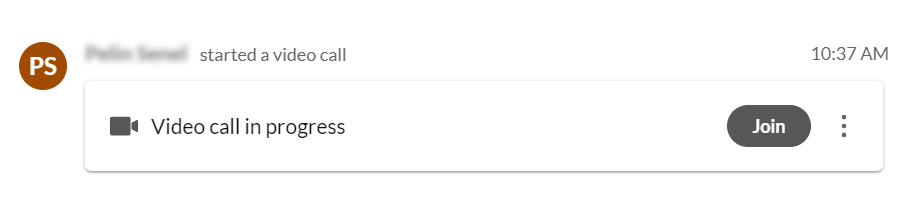
STEP RESULT:Avaya Cloud Office Desktop App invites all participants to join your meeting and displays the meeting details in the conversation history.