AVAYA DOCUMENTATION CENTER
Find answers to your technical questions and learn how to use our products
Deploying Avaya Aura® Device Services
Checking for DRS synchronization
About this task
The DRS process synchronizes data between System Manager and Avaya Aura® Device Services. The synchronization time varies depending on the network and number of users in the system. Services might fail if DRS is not in sync. Therefore, ensure that DRS is synchronized after installation.
This procedure is not required if you deploy Avaya Aura® Device Services in an environment without Avaya Aura®.
Procedure
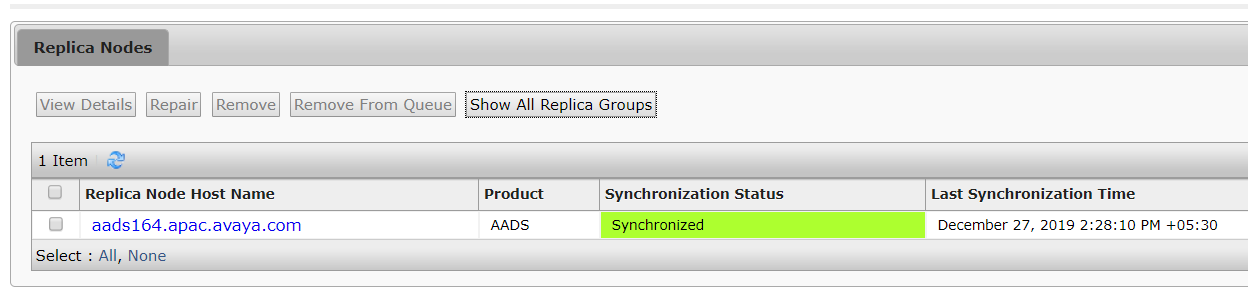
- Search for the Avaya Aura® Device Services nodes and check whether they are listed as Synchronized.
The following is an example of a synchronized Avaya Aura® Device Services system.