AVAYA DOCUMENTATION CENTER
Find answers to your technical questions and learn how to use our products
Avaya Aura Presence Services Snap-in Reference
Updating the Edge and Session Manager end point policy groups
- Log in to the Avaya Session Border Controller for Enterprise server as an administrator.
- Click .
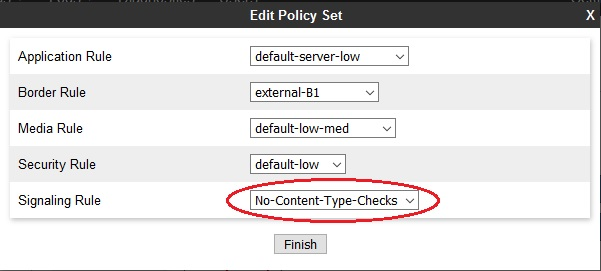
- From the Policy Groups list, select the existing msEdge Policy Group and click Edit.
- In the Signaling Rule field, select No-Content-Type-Checks.
ADDITIONAL INFORMATION:
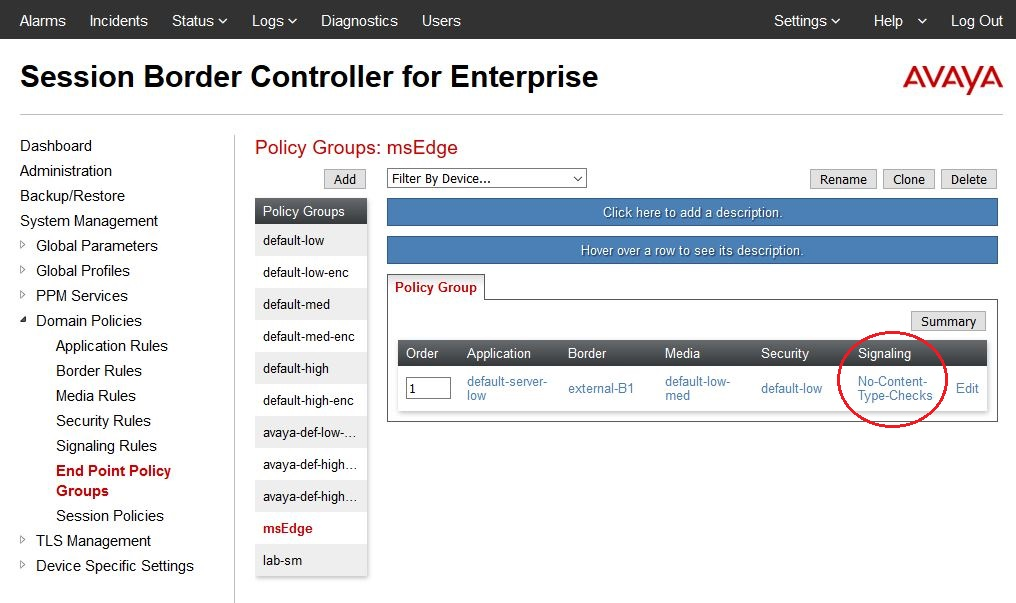
- The committed msEdge Policy Group appears under the Policy Group tab.
ADDITIONAL INFORMATION:
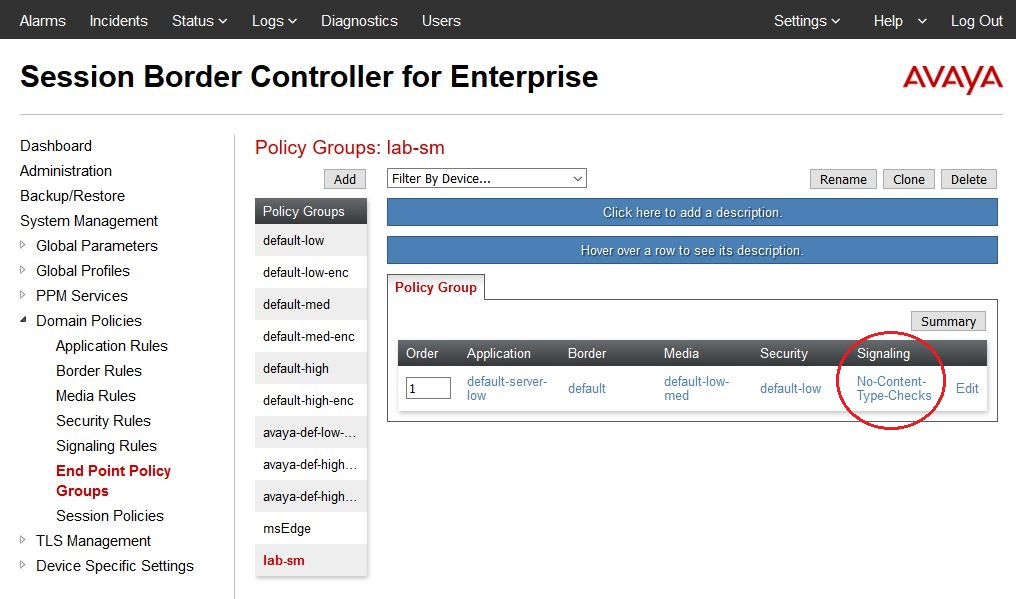
 Repeat the procedure for the Session Manager end point policy group.