AVAYA DOCUMENTATION CENTER
Find answers to your technical questions and learn how to use our products
Avaya Aura Presence Services Snap-in Reference
Creating OpenNMS node elements
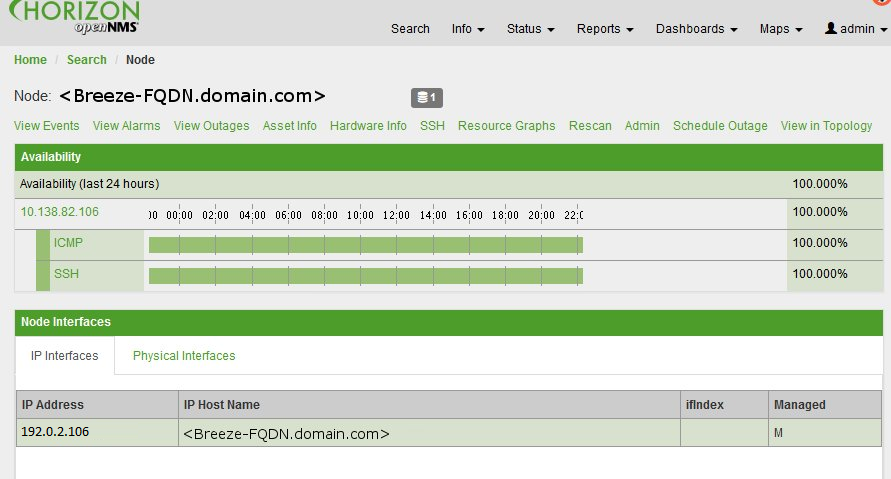
For OpenNMS to receive traps from Presence Services on the Avaya Breeze® platform, you must define a node to represent the Avaya Breeze® platform server. The following procedure describes how to create a node.
- On the OpenNMS web console, navigate to .
- In Provisioning, click Manually Add an Interface.
- Enter the IP address of the Avaya Breeze® platform Management Network Interface.
- Click Add.
- Click Info to navigate to the Nodes page.
ADDITIONAL INFORMATION: