

AVAYA 文档中心
为您的技术问题找到答案及学习如何使用我们的产品
Administering Avaya Experience Platform™ Public Cloud
Prerequisites for using headset call controls
Before you connect a Plantronics or Jabra headset to your computer and use the call control features on the headsets, you must complete the prerequisites listed in this topic. Headset call controls are supported only for Windows.
Note:
If agents and supervisors do not have permission to perform the prerequisite operations on their Windows-based computers, they can contact the account administrator who can complete these prerequisites.
Headset |
Prerequisite steps |
|---|---|
For Plantronics headsets |
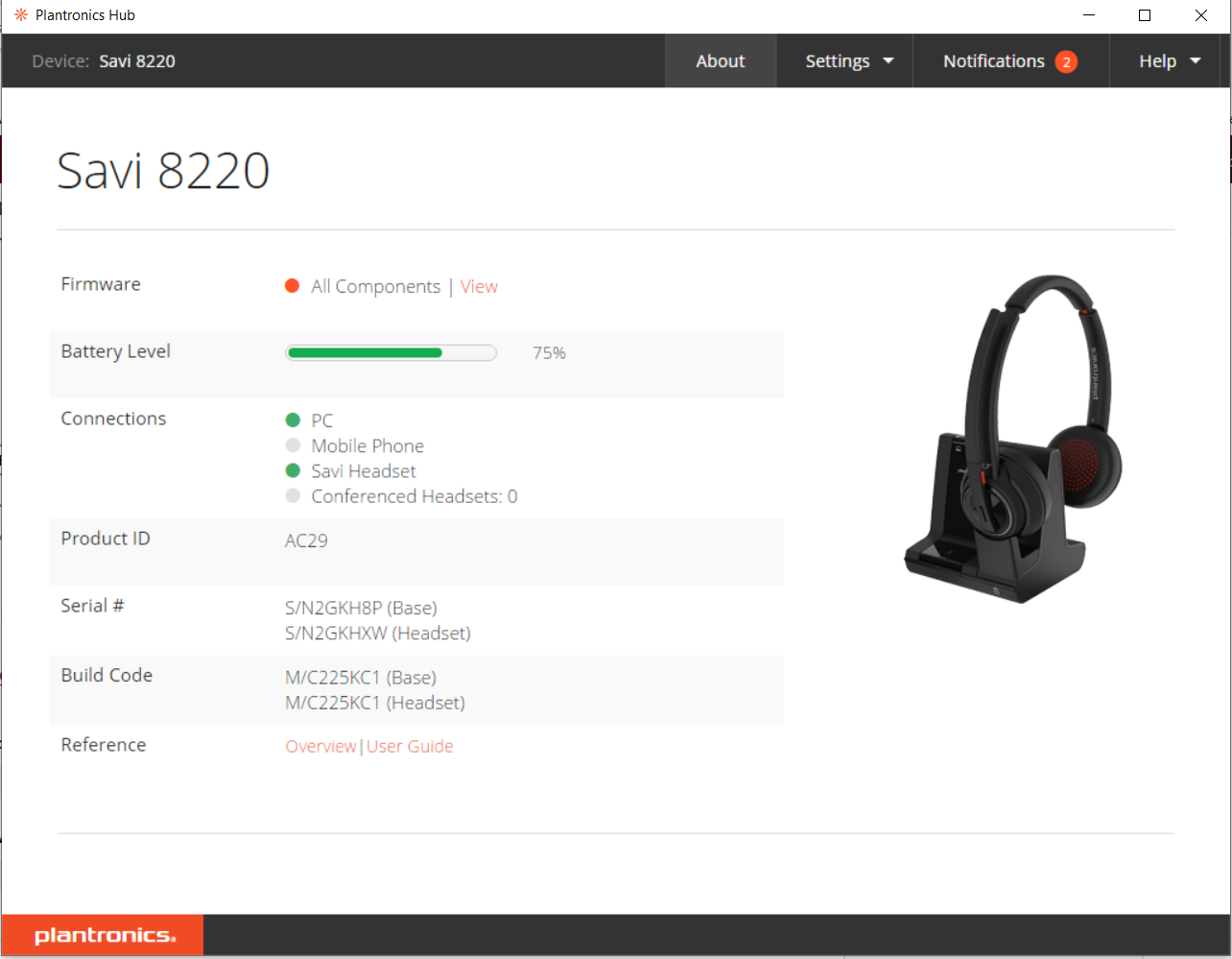
You require the Plantronics Hub software to use the call control features of your Plantronics headset.
After you install Plantronics Hub and connect your Plantronics headset to your computer, Plantronics Hub displays the details of your headset. For example, you can view the name of the headset or the battery level. If you cannot view these details, follow the instructions in the Plantronics user manual that you received with your headset. Some Plantronics headsets include the headset and a headset base, whereas others include the headset and a dongle. You can connect the base to your computer through the USB port. You can also use Bluetooth to connect a Plantronics headset to your computer. However, you cannot use the call control features on the headset when you connect a headset with Bluetooth. Similarly, you must connect the dongle of a Plantronics headset to the USB port of your computer to use the call control features on your headset. |
For Jabra headsets |
You require a Jabra Chrome extension to your Google Chrome browser and a Windows device connector to use the call control features of your Jabra headset.
|
An instruction manual is available with all Plantronics and Jabra headsets. Follow the instructions carefully and complete your headset setup to ensure that you have properly connected your headset to your computer.