On the System Manager web console, click Users > Administrators.
In the navigation pane, click User Services > External Authentication.
On the External Identity Repositories page, click Configure in the Authentication Servers section.
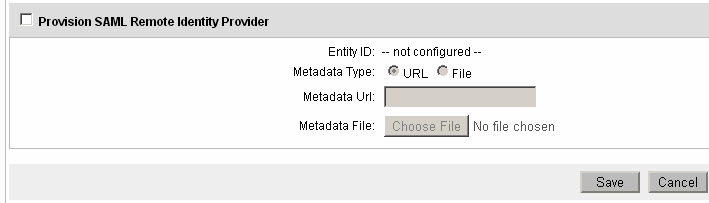
On the Authentication Servers page, select the Provision SAML Remote Identity Provider check box and get the metadata of R-IDP using one of the following:
Through a valid HTTP URL.
Using a valid XML file.
Click Save.
If R-IDP is successfully configured, the system automatically enables SAML authentication. An administrator can disable or enable SAML authentication using the Provision SAML Remote Identity Provider check box.