AVAYA DOCUMENTATION CENTER
Find answers to your technical questions and learn how to use our products
Administering Avaya Aura® System Manager
Setting the enrollment password
About this task
You can use this functionality to generate the enrollment password for managed elements. The managed elements require the enrollment password to request certificates from System Manager Trust Management.
Procedure
- Note the password for future reference.
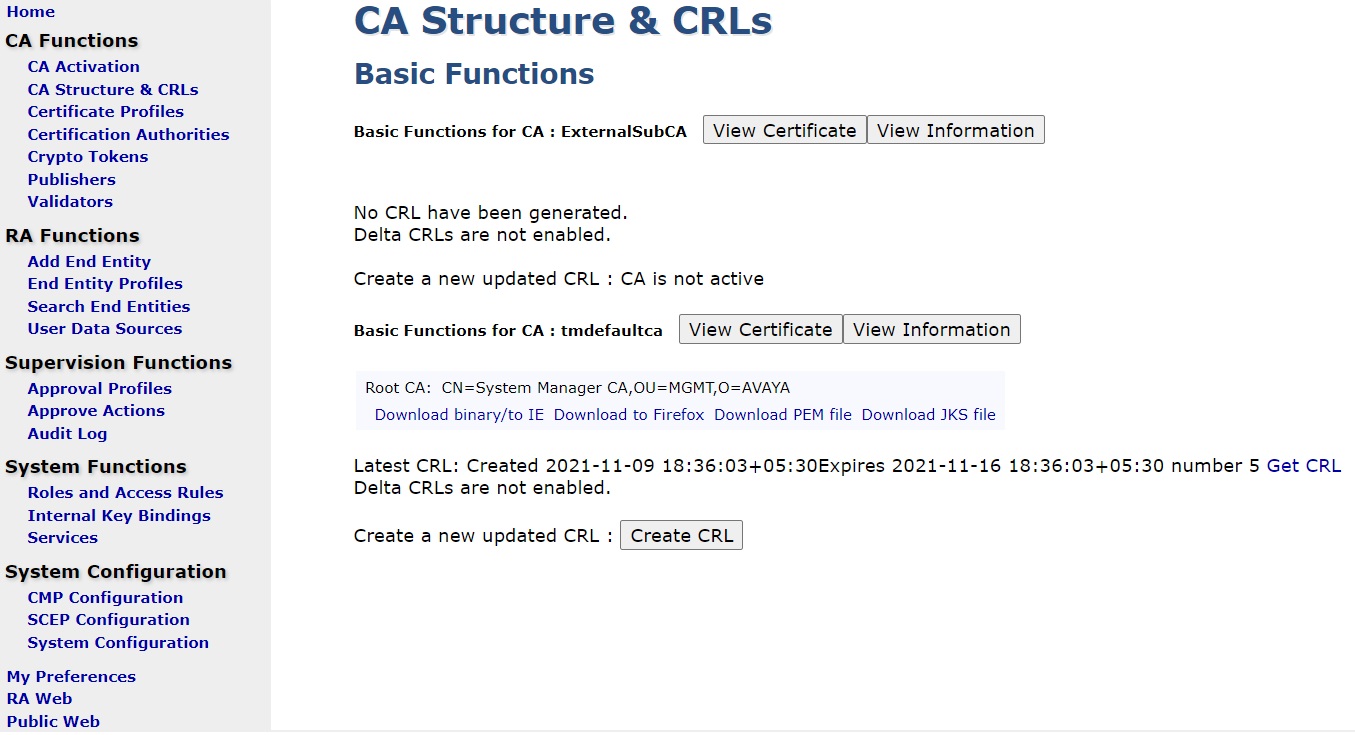
You can use the link for launching EJBCA administration. A customer can configure the settings here, based on its PKI plan.