

AVAYA DOCUMENTATION CENTER
Find answers to your technical questions and learn how to use our products
Administering Avaya Aura® System Manager
Generating the certificate keystore
Before you begin
Create an end entity.
For more information, see Creating an end entity.
Procedure
- On the public EJBCA page, do one of the following:
If you are generating the certificate by using certificate signing request (CSR), click and continue with the steps in Creating the certificate by using certificate signing request.
Do the following:
Click .
On the Keystore Enrollment page, type the username and password.
Note:Provide the same username and password that you entered while creating the end entity on the Add End Entity page.
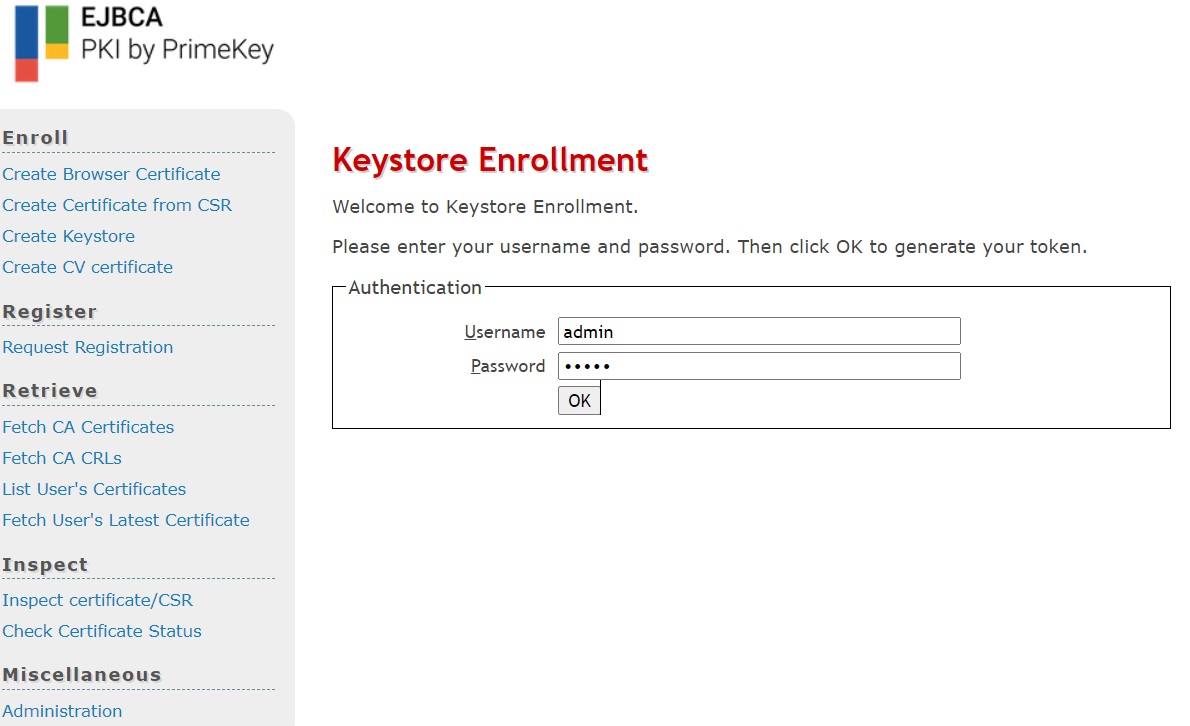
Click OK.
On the next page, in the Key specification field, select a value, and click Enroll.
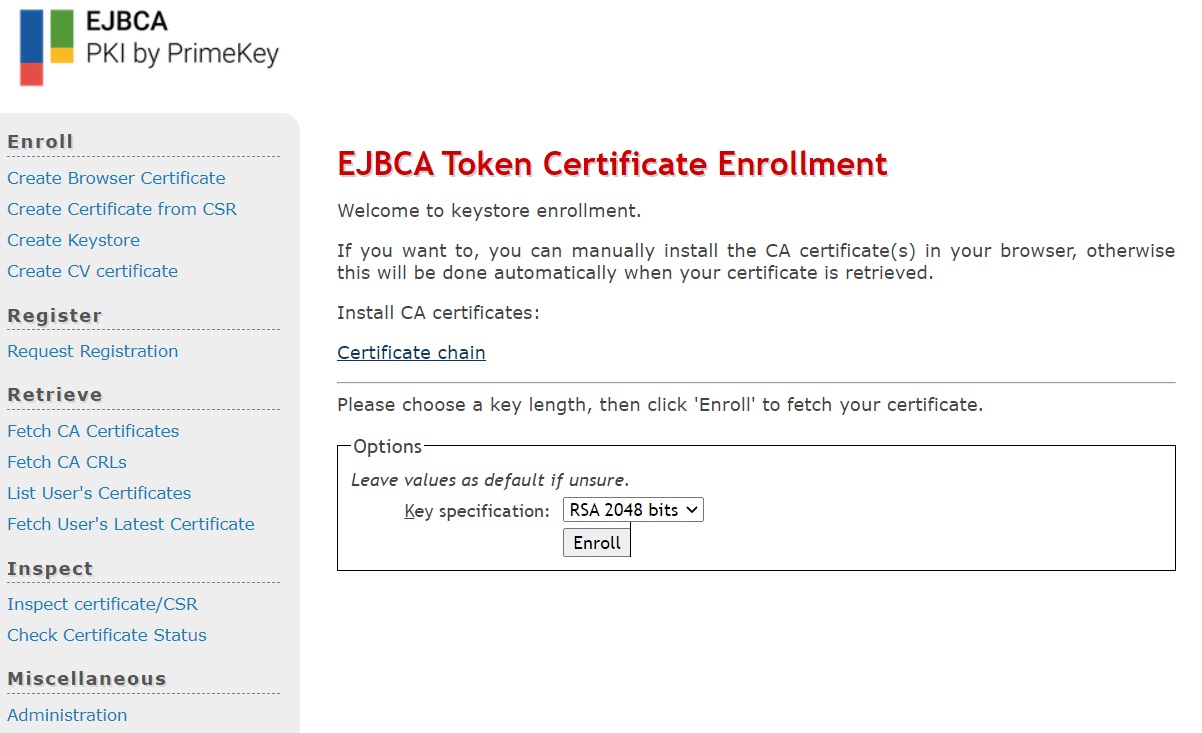
The system generates a PKCS12 format keystore with the identity certificate that contains values provided in the end entity.