Find answers to your technical questions and learn how to use our products
Search suggestions:
Only the owner of the timetable or an administrator can delete timetables.
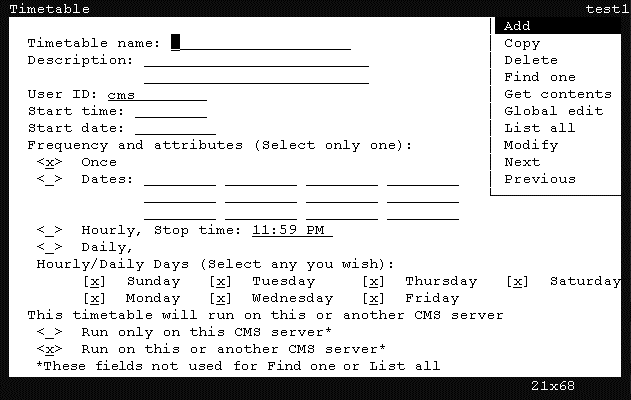
CMS displays the Timetable window.
The fields in the window are cleared of all default information.
CMS shifts focus to the action list.
CMS locates the timetable and populates the remaining fields with the information from the timetable.
CMS displays a confirmation window.
CMS deletes the timetable and a successful message is displayed in the status line.
Previous Topic
Next Topic