

AVAYA DOCUMENTATION CENTER
Find answers to your technical questions and learn how to use our products
Configuring Workflows for Avaya Experience Platform™ Public Cloud
Orchestration Manager
The Orchestration Manager interface is where you manage your workflows. Orchestration Manager includes a number of tabs where you can deploy and undeploy workflows, configure routing rules, manage interaction instances, configure global variables, and assign rules to workflows.
Use the following tabs in Orchestration Manager:
Workflows
Workflow Drafts
Instances
Event Catalog
Variables
Routing
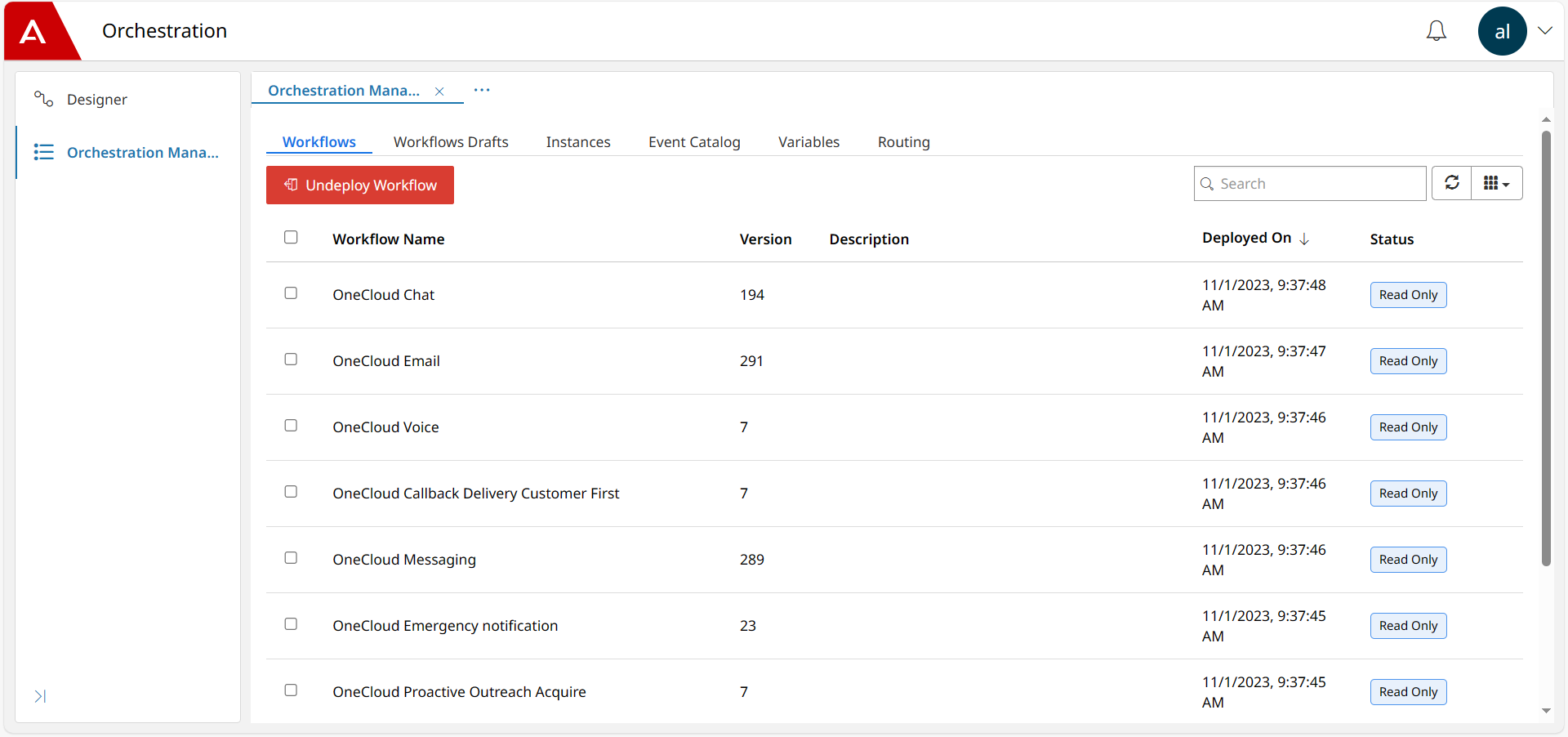
Workflows
The version number, description, and deployment status of each workflow, including the date the workflow was deployed. From this tab, you can undeploy any selected workflow.
Workflow Drafts
The names of the draft workflows and the file path to their location. You can:
Deploy a selected draft workflow. When you deploy a workflow, it becomes available for use by the contact center.
Delete a selected workflow draft.
Instances
A list of all workflow instances, both completed and in progress. Select any instance in the list, and do one of the following:
View instance: Monitor active workflows or review completed workflows. The viewer can show you the task the workflow is currently at, or if the workflow is complete you can select and review the output results of each task.
Terminate: Terminates an active workflow instance.
Event Catalog
The version number and schema name of the default events in the workflow. You can only view events in Orchestration Manager.
Caution:
Do not create, edit, or delete events in the Event Catalog. If you create or edit an event, it does not become active in the workflow. Deleting an event is permanent and you cannot restore it.
Variables
A list of global variables. You can create, view, edit, and delete global variables in Orchestration Manager. If you edit a global variable, the change applies to all workflows where the variable is in use.
Routing
A list of administered routing rules. You can:
Create a new rule.
Edit a selected existing rule.
Delete a selected existing rule.
Enable a selected rule. By default, Orchestration Manager enables rules after you create them.
Disable a selected rule.