AVAYA DOCUMENTATION CENTER
Find answers to your technical questions and learn how to use our products
Administering Avaya Cloud Office Service Web
Billing tab
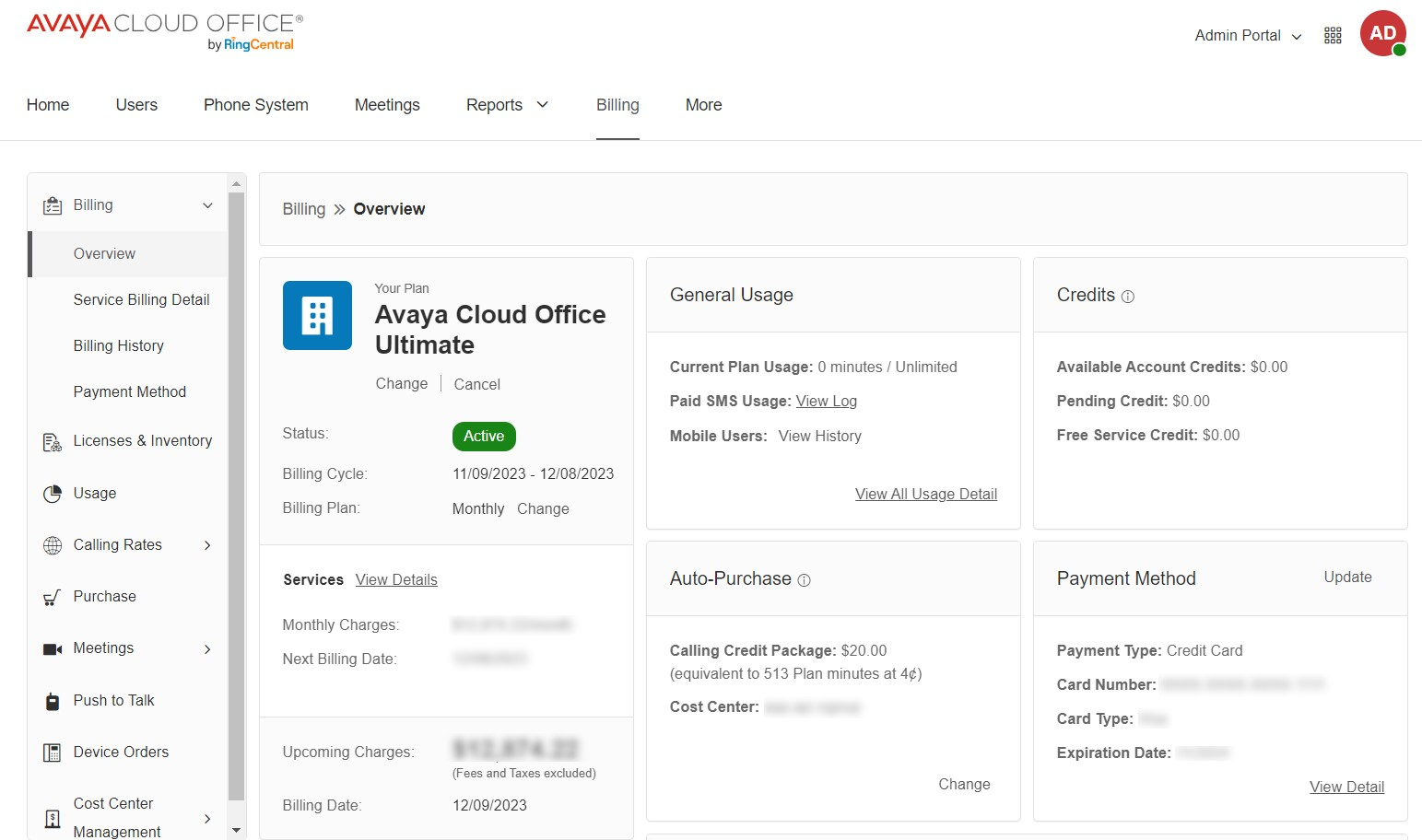
The Billing tab displays information about your account. On the Billing tab, you can view calling rates, billing items on the account, and the history of device orders. You can also purchase add-ons. From the left menu, you can access the following subtabs:
Billing: Displays the billing information, including overview, details, history, and the payment method.
Licenses & Inventory: Displays all the licenses and phones on the account.
Usage: Displays the current plan usage and calling credits information.
Calling Rates: Displays all the outbound, inbound, and premium calling rates.
Purchase: Displays the add-ons to purchase, such as licenses, phone numbers, and phones.
Meetings: Displays the meeting licenses, large meeting licenses, room licenses, and room connector licenses.
Live Reports: Displays the live report licenses.
Push to Talk: Displays the push to talk licenses.
Device Orders: Displays the phone orders for a specified period.
Cost Center Management: Displays the cost centers and billing items information.