AVAYA DOCUMENTATION CENTER
Find answers to your technical questions and learn how to use our products
Administering Avaya Cloud Office Service Web
Users tab
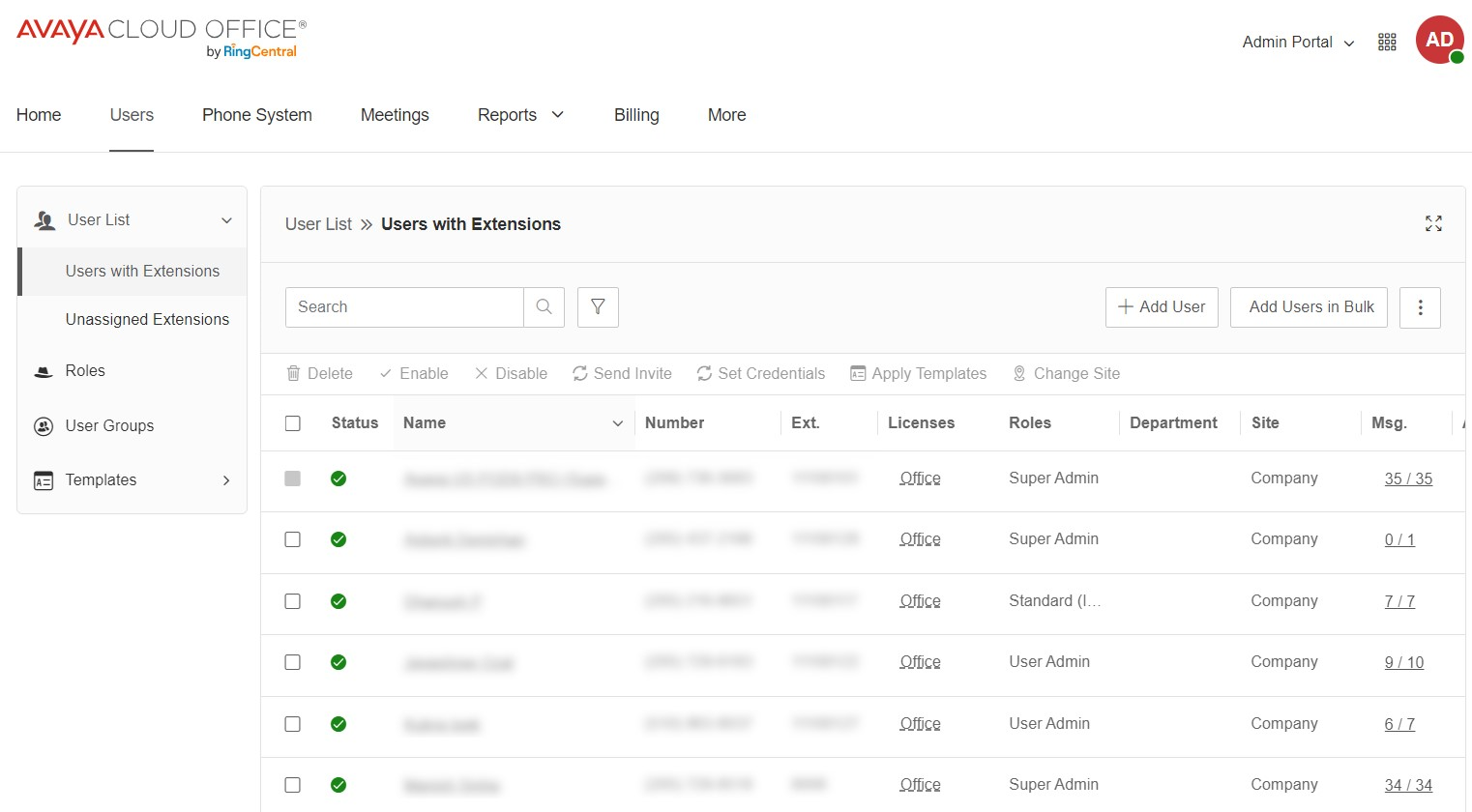
The Users tab displays all users in your organization. From the Users tab, you can manage users, edit user permissions, and assign templates to users. From the left menu, you can access the following subtabs:
User List: Displays a list of users with extensions and a list of unassigned extensions. You can click an entry in either of these lists to see more details and settings.
Roles: Displays a list of roles that you can assign to users.
User Groups: Displays a list of created user groups.
Templates: Displays the templates that you can assign to users.