

AVAYA DOCUMENTATION CENTER
Find answers to your technical questions and learn how to use our products
Administering Avaya Aura® Device Services
Enabling the Enhanced Access Security Gateway from the CLI
About this task
Use this procedure to enable Enhanced Access Security Gateway (EASG) functionality in Avaya Aura® Device Services. Avaya support engineers can use this functionality to access your computer and resolve product issues in real time.
Procedure
- Run the following command to verify the product certificate:
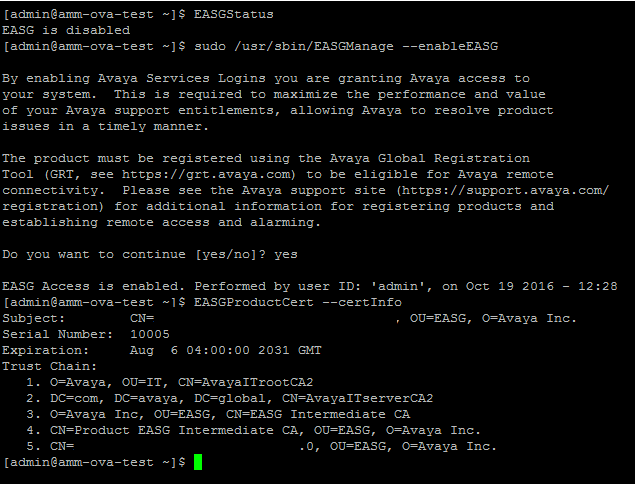
sudo EASGProductCert --certInfoAvaya Aura® Device Services displays the product certificate details.
For example:
If the certificate expires within 360, 180, 30, or 0 days, Avaya Aura® Device Services writes a certificate expiry notification to the /var/log/messages log file.