

AVAYA DOCUMENTATION CENTER
Find answers to your technical questions and learn how to use our products
Administering IP Office Voicemail Pro
Open Door Action
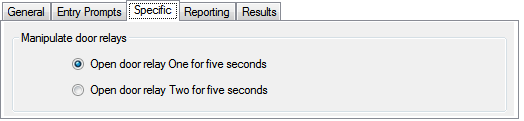
This action can activate either of the door entry switches provided on some IP Office telephone system control units. These can be used to activate door entry relays.
Procedure
- Click the
 Miscellaneous Actions icon.
 - Select
 Open Door.
 - Select the Specific tab. Set the options as required.
Result
This action has the following result which can be connected to a further action:
Next: Route the call to a following action in the call flow. This connection can be followed even after the caller has hung up if the Start action option Complete Sequence has been selected.