

AVAYA DOCUMENTATION CENTER
Find answers to your technical questions and learn how to use our products
Administering IP Office Voicemail Pro
Configuring group broadcast
About this task
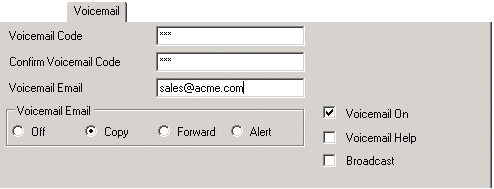
If the Broadcast option is enabled, a message for a hunt group is copied to the individual user mailboxes of each hunt group member and then deleted from the group mailbox. Broadcast is not applied to recording made using a Voice Question action.
Procedure
- Click
 Group and select the required group.
- Click
 to merge the configuration change back to the IP Office.