

AVAYA DOCUMENTATION CENTER
Find answers to your technical questions and learn how to use our products
Administering IP Office Voicemail Pro
Remote Call Flow Action
This action lets you include a call flow developed elsewhere in an existing call flow, in the form of an uploaded .vmp file. See Including other files in voicemail server.
The aim of this action is to assist you to place call flows developed by other applications on the voicemail server and include in its customized call flows.
Procedure
- Click the
 Miscellaneous Actions icon.
 - Select
 Remote Call Flow.
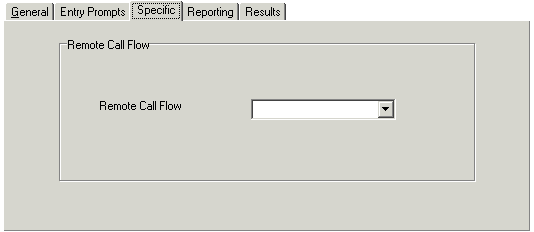
 - Select the Specific tab. Set the options as required.
Result
This action has no results. The follow on call handling is determined by the actions in the remote call flow.