

AVAYA DOCUMENTATION CENTER
Find answers to your technical questions and learn how to use our products
Administering Avaya Contact Center – Extended Capacity
System Administration tabs
The System Administration is an application that a system administrator can use for Routing Core Server administration. From the System Administration, a system administrator and a services user also can manage tenants and pods.
As a system administrator, you can access all tenant and pod data in the System Administration.
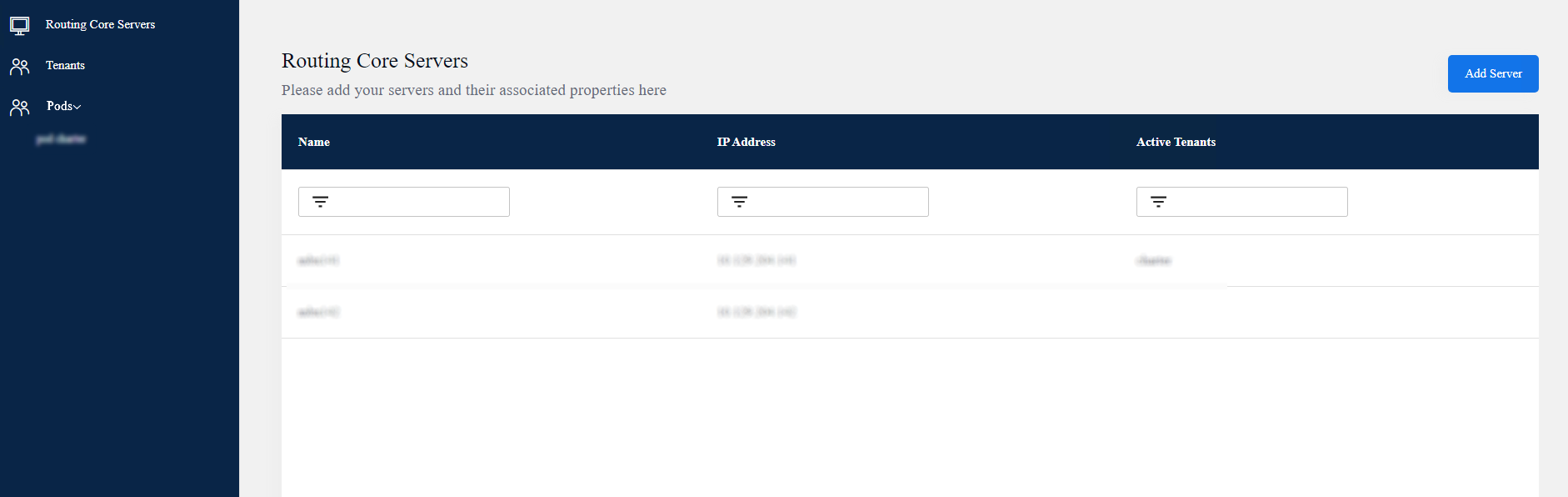
The Configuration Server web portal displays the following tabs for the System Administration:
Tab icon |
Tab name |
Tab description |
|---|---|---|
 |
Routing Core Servers |
You can use this subtab to manage Routing Core Servers. You can temporarily disable the servers that you do not require. |
 |
Tenants |
You can use this subtab to manage tenant configuration. Avaya Contact Center – Extended Capacity supports only one tenant. |
|
Pods |
You can use this subtab to manage pod configuration. |